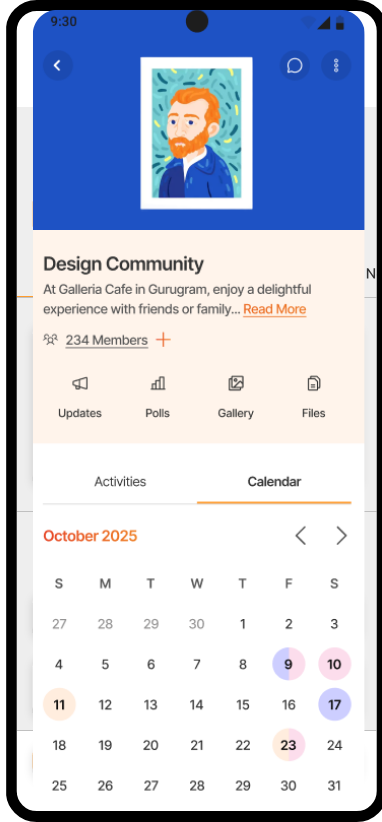
Publish calendar, collect RSVPs, convert to Activities.
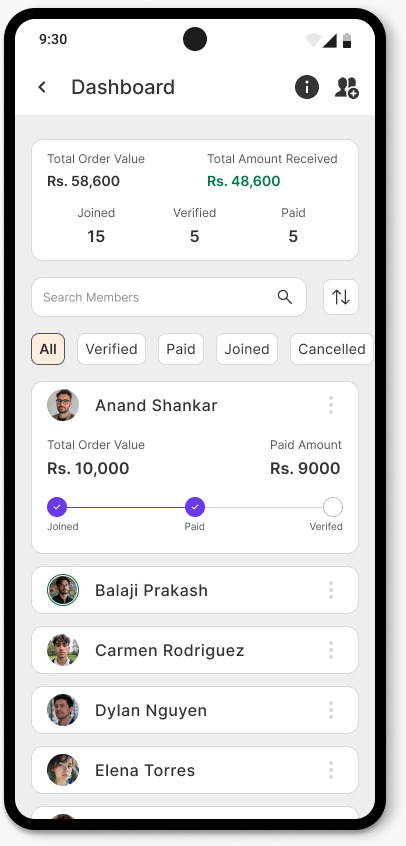
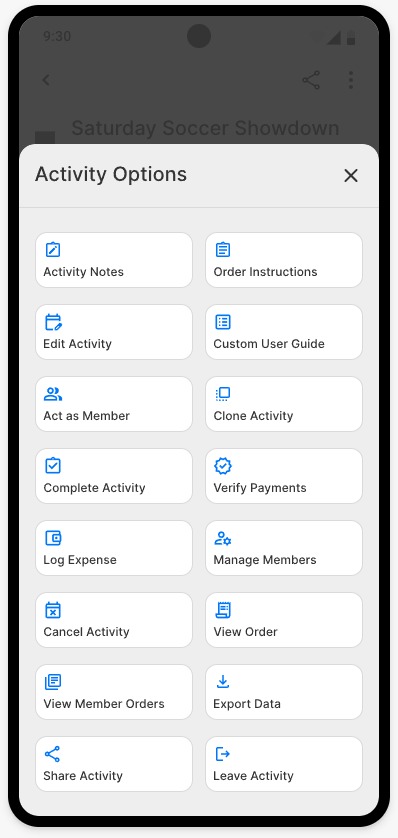
Manage participants, send reminders, verify payments, and act on behalf of members.
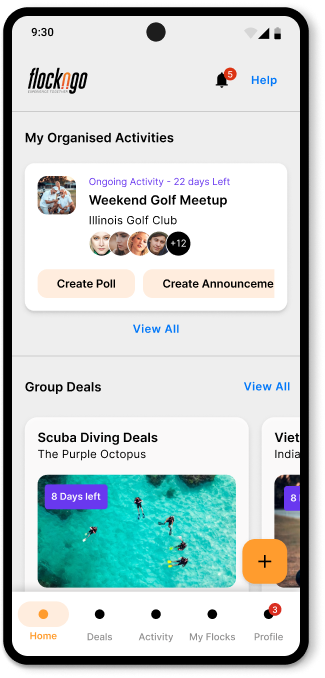
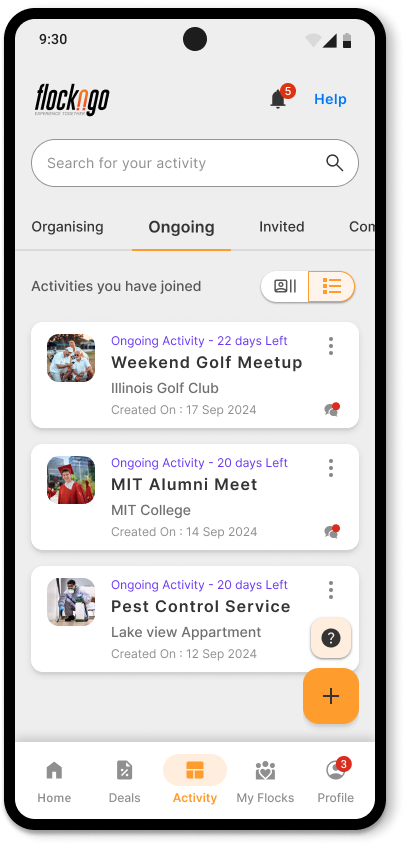
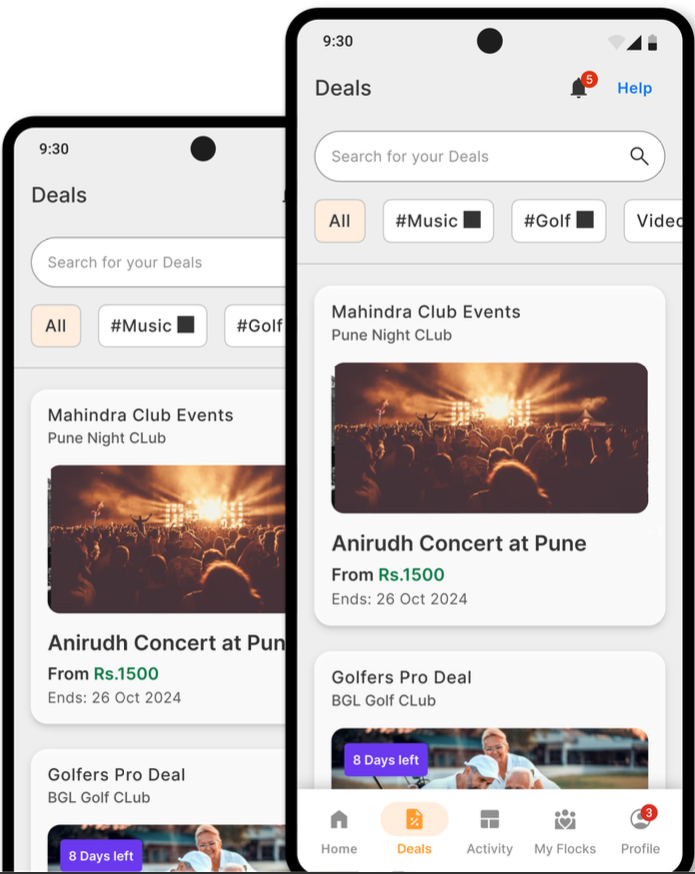
Create Multiple activities and veiw them all in once place.
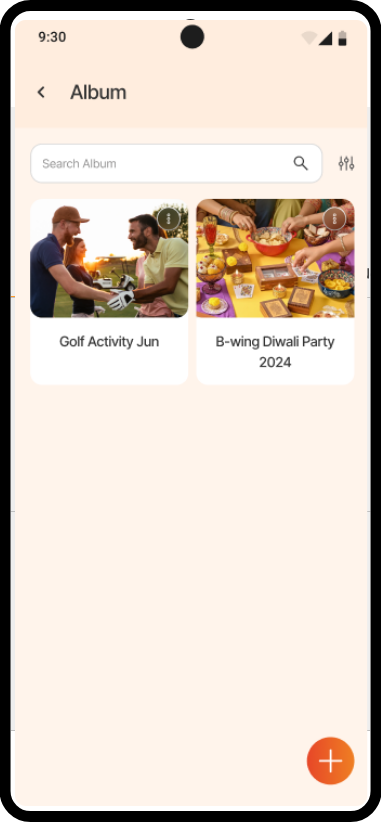
Easily share photos and memories with your community in one click.
Personalized reminders, custom user guide, act as a member, clear instructions, activity cloning, and many more.
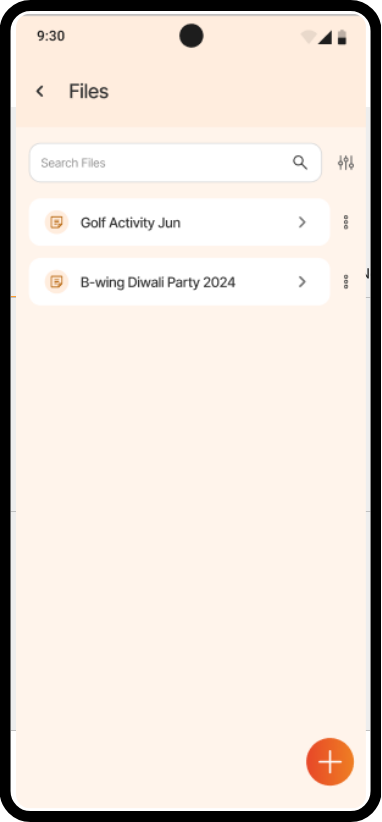
Effortlessly manage data, storage and collections in one place.
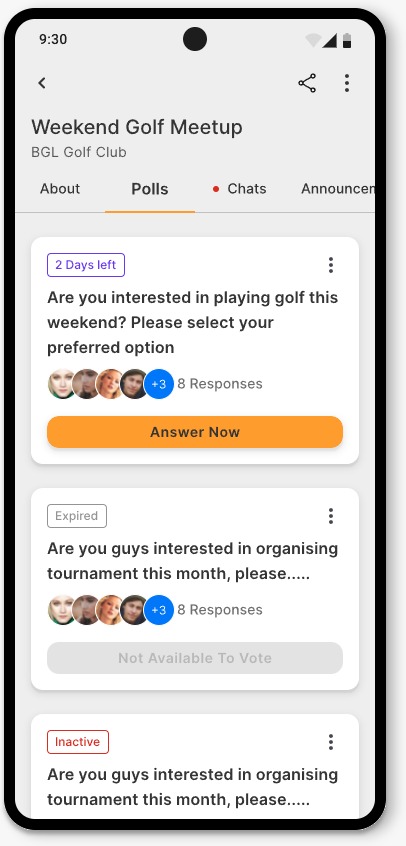
Settle debates and collect essential with polls,with reminders to non-responders, data export, and anonymous voting options.
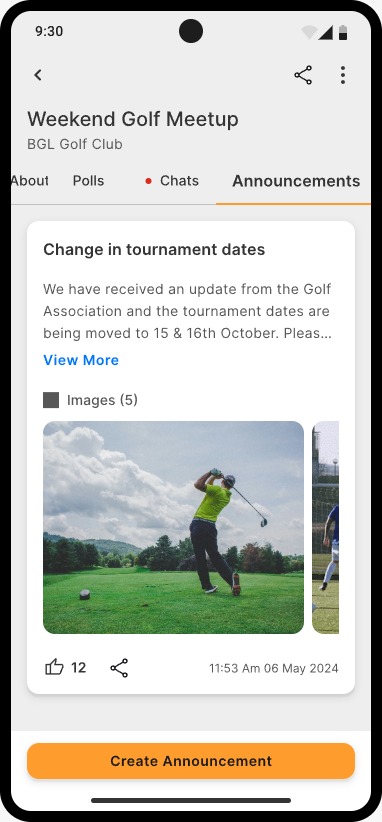
Share important updates with pictures or documents through announcements, and send 1-1 WhatsApp messages to members.
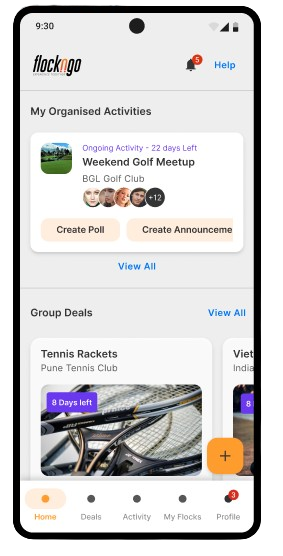
Get a complete overview of your activities in one convenient spot.
Never miss an important update or announcement.
Join activities and stay in the loop.
Keep track of all group expenses – stress-free!
Stay connected and in sync with your group.
Gather opinions and make group decisions easily.
Organize and run your group events like a pro.
Manage all your groups, all in one app.
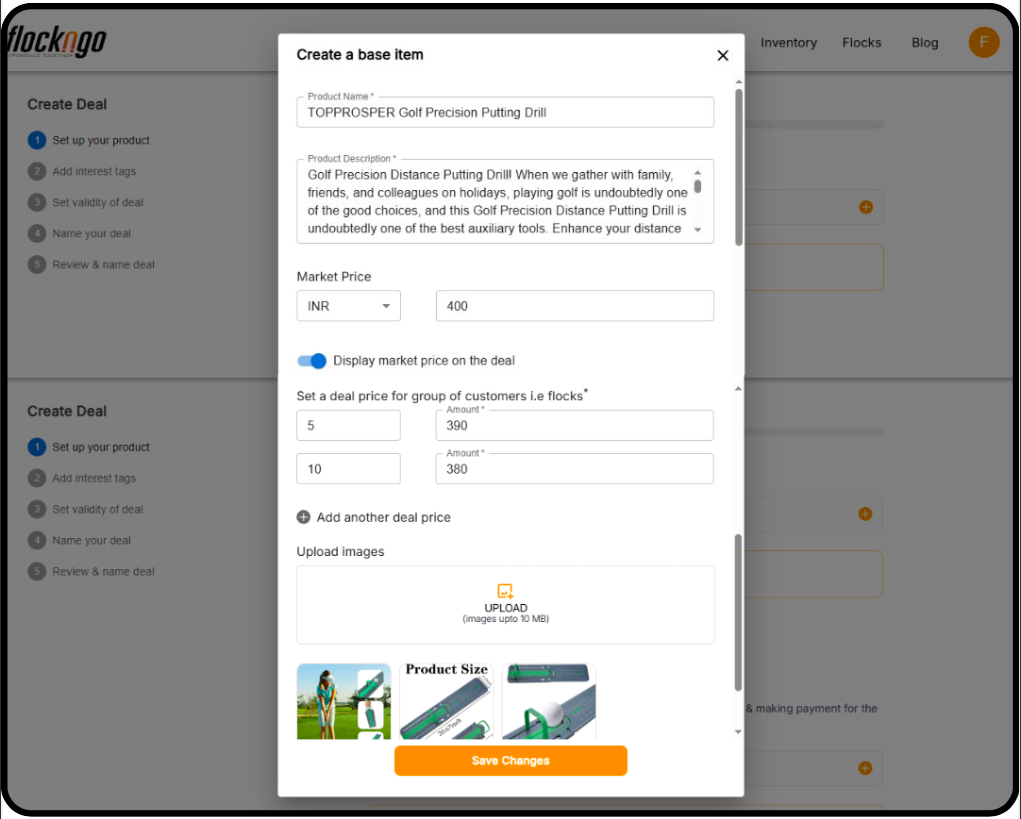
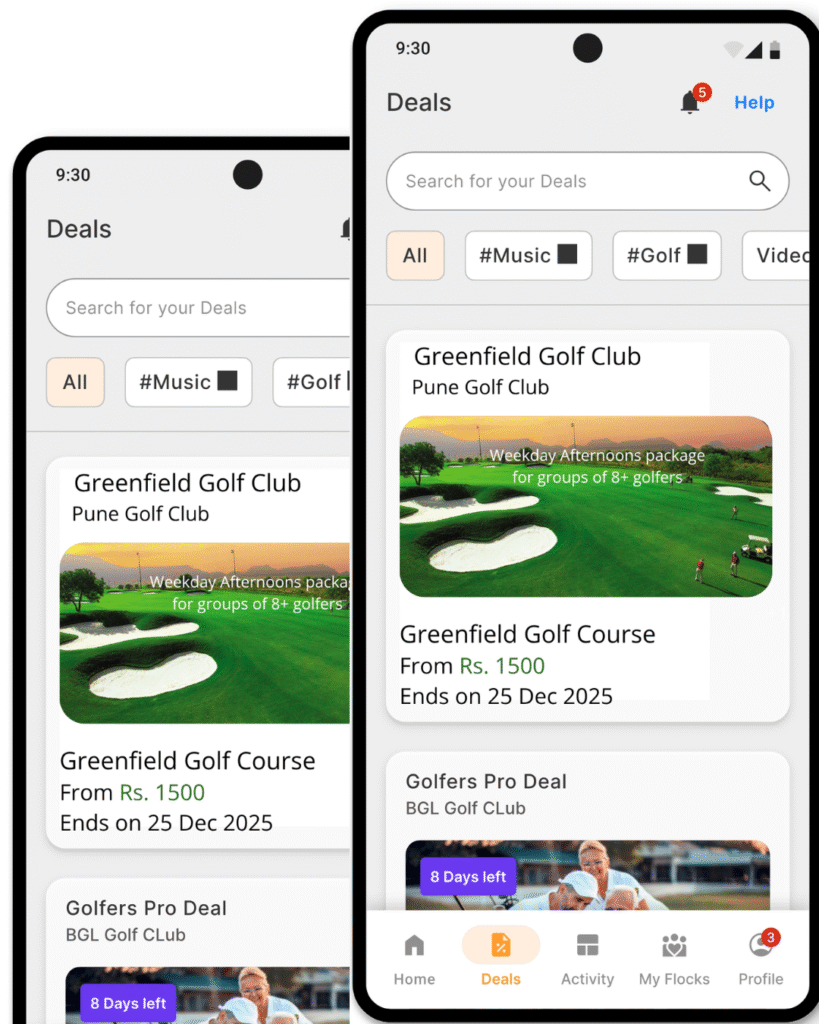
Design experience packages, grow your own community, and convert activities into consistent business growth
We’re here to make your experience smooth and stress-free.
Here are some answers to the most common questions about Flockngo!
Yes, you can edit the campaign name, date, participant limit, and location after creation.
Yes, modifications are allowed.
Yes, you can accept payments via UPI, QR Code, Net Banking, or Cash.
You can promote your deals by sharing them within relevant flocks and utilizing FlocknGo's event features.
Yes, it works on mobile (app) and desktop (browser for limited features).
1. Navigate to 'Activity' and select your event.
2. Tap the share icon and choose from options like 'Share Invite,' 'Copy Link,' or 'QR Code.'
3. You can also share invitations via social media platforms.
Yes, there are no restrictions on campaign types.
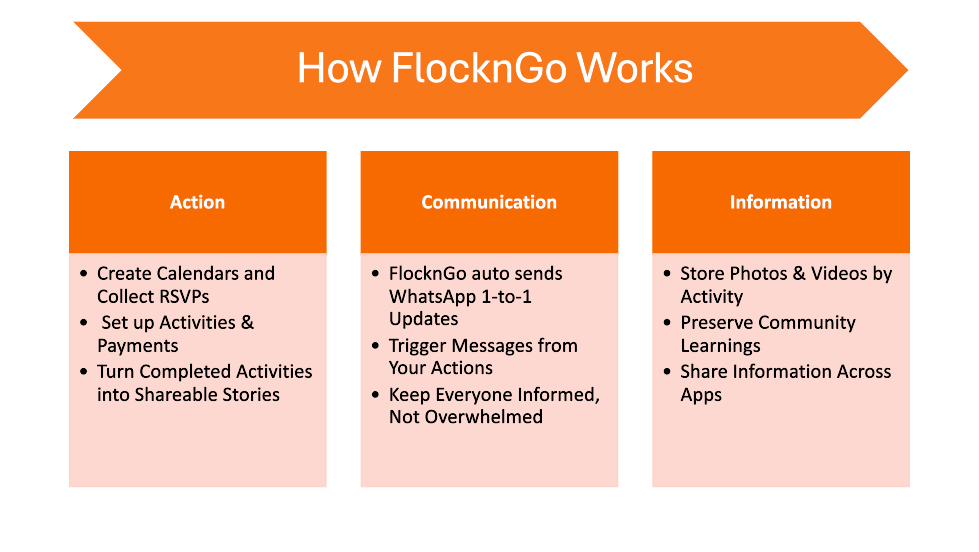
FlocknGo simplifies group gatherings by streamlining communication, planning, and payments. It eliminates endless chats and back-and-forth discussions, making it easy to manage events from concept to completion.
You can set up various events, including kitty parties, get-togethers, alumni meet-ups, professional meet-ups, and festival celebrations (e.g., Diwali, Ganpati, Navratri, etc.).
Your WhatsApp group becomes a 'Flock' on FlocknGo, and any planned event is an 'Activity.' Here's how it works:
1. Create an activity and set up details.
2. Share the activity link with your WhatsApp group.
3. Members can join the activity and your flock by clicking the link.
FlocknGo is available as both a mobile app and a web app. While participation is possible via a browser, organizing events and accessing full features require the app.
FlocknGo is free for up to 15 participants*. For larger groups, a nominal fee applies.
- **Mobile:** Available on Android (6.0+) and iOS (12.0+).
- **Desktop/Laptop:** Web access available (some features may be limited).
1. Click an activity link shared by an organizer and sign up.
2. Download the app to organize an event.
3. If joining a deal, create an account and engage with the activity.
Yes, you can give any name to your flock. It can be similar to your WhatsApp group name.
Yes, FlocknGo includes a chat feature for easy communication.
Turn plans into lasting experiences. Train, explore, learn, engage, and grow — together with FlocknGo.